



A salon POS system is the till at the front desk. It takes the payment, adds the tip, records the retail sale, and ties the whole visit to the client record.
The best ones do more than take cards. They track stock, split tips between staff, hold deposits, and show which services and products actually make money.
We checked each vendor’s own pricing page and product pages on 5 November 2026.
For every system we wrote down the services, the checkout features, and the real monthly price.
That includes card processing rates and marketplace fees that only show up after a client pays.
Prices change, so confirm the plan page before you sign up. Our payments guide explains how salon checkout should work, and our best salon booking software guide covers the wider shortlist.

What a salon POS system has to do
Start with the checkout itself. A client should pay in under a minute, add a tip, and get a digital receipt without the front desk juggling three apps.
Then check tips and deposits. Tips should split between the staff on the booking, and deposits should sit against the appointment so a no-show still costs the client something.
Then weigh stock and reporting. A POS that tracks retail stock tells you what to reorder, and reporting by service and staff member shows who brings in the money.
The 7 systems in this guide
The list below runs in the order we cover the systems. PandaCue leads as the all-in-one pick, Square follows as the free POS, and the rest follow on checkout strength and price.
- PandaCue: best for salons that want booking, checkout, and marketing in one place.
- Square: best for salons that want a free POS with cheap hardware.
- Lightspeed: best for salons that sell a lot of retail.
- Vagaro: best for salons that want a low entry price plus a marketplace.
- Fresha: best for salons on a tight budget that accept a marketplace fee.
- GlossGenius: best for independent pros who want fast payouts and low card rates.
- Booksy: best for salons that want a large marketplace and can pay from day one.
The systems in detail
1. PandaCue: the all-in-one pick, with live pricing at last
PandaCue puts booking, payments, client records, automations, marketing, websites, and forms in one platform built for salons, spas, and beauty studios. One login covers the front desk and the follow-up.
The checkout covers services, retail, memberships, packages, and gift cards in one cart. Tips, deposits, saved cards, and digital receipts sit in the same flow, and every payment links to the client profile and the appointment.
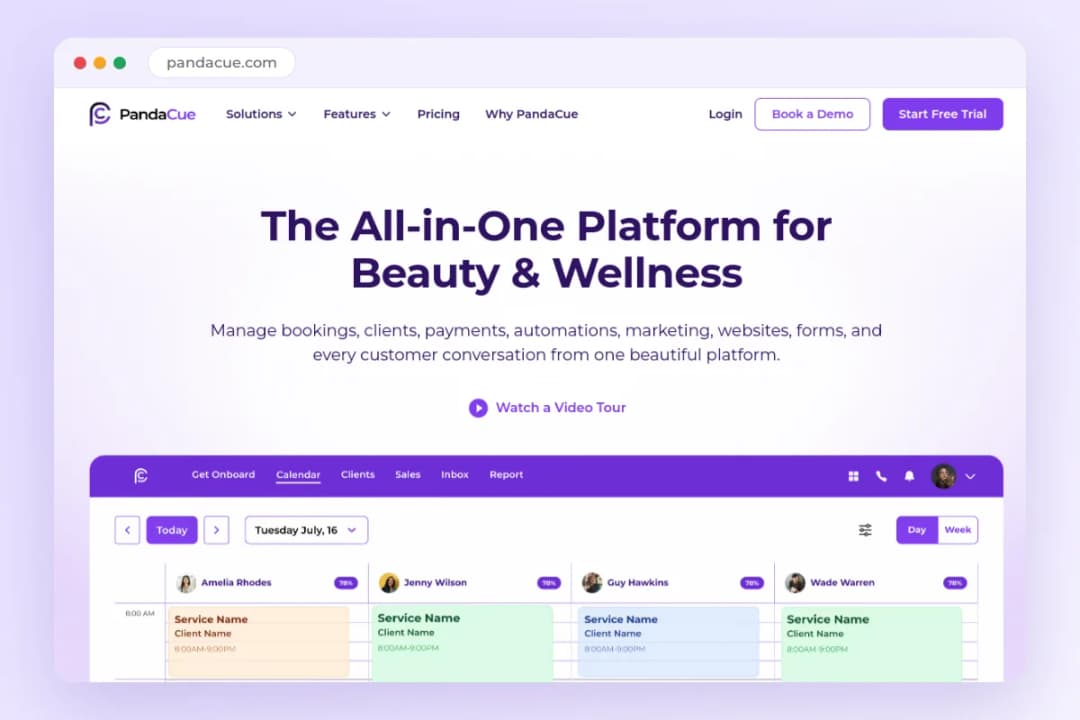
PandaCue’s pricing page now lists real prices. The Free plan costs $0, Studio costs $197 a month, and Empire costs $397 a month, with two months free when you pay yearly.
Free covers one location, one staff member, 50 bookings a month, and 200 clients. Studio covers up to three locations with unlimited staff, bookings, and clients, while Empire removes the location limit entirely.
PandaCue lists no card processing rate on its pricing page. Paid plans carry 0% payment markup, so the rate itself is the open question to ask sales before you commit.
The honest limit is hardware. PandaCue advertises no card reader or Tap to Pay on its payments page, so a salon that wants a counter terminal should confirm what hardware works with it.
2. Square: the free POS, with paid plans behind it
Square POS software costs $0 a month per location on the Free plan. You pay only the card processing fee when you take a payment, which is why so many small salons start here.
In-person cards cost 2.6% plus 15 cents on Free, 2.5% plus 15 cents on Plus, and 2.4% plus 15 cents on Premium. Online payments cost 3.3% plus 30 cents on Free, and Plus and Premium run 2.9% plus 30 cents.

Square Appointments runs on the same three tiers, so booking and checkout live in one account. Free includes an online booking site, reminders, and unlimited staff calendars for one location.
Plus costs $49 a month per location and Premium costs $149. Plus adds cancellation policies, no-show fees, multi-staff booking, and a waitlist, while Premium adds service cost tracking and resource management.
The POS side covers tip pooling, commissions, staff permissions, and timecards. Tap to Pay works on iPhone and Android with no hardware, and Square’s own hardware starts at $59.
The honest limit is the per-location bill. A second location doubles the subscription, and the free plan leaves out no-show fees and waitlists, so a busy diary needs Plus from the start.
3. Lightspeed: the retail POS, with no booking built in
Lightspeed Retail is a retail POS first. It covers checkout, inventory, reporting, payments, and eCommerce, and it suits a salon that sells a lot of products at the front desk.
Lightspeed lists Retail from $89 a month, with one register included in each plan. Its pricing page lists a 1.5% card-present rate, and it warns that rates can vary by business, so confirm yours before you budget.
The retail toolkit runs deep. Purchase orders, wholesale catalogs, loyalty, and advanced sales, staff, and inventory reports come with the platform, plus a Mobile Scanner app for stock counts.
The gap is booking. Lightspeed lists no salon appointments module on its pricing page, so a salon still needs separate booking software and must connect the two at the till.
Multi-location pricing runs through sales on a custom plan. Hardware prices are not published on the pricing page, so a salon should ask for a full quote that includes the till hardware.
The honest limit is fit. Lightspeed fits a product-heavy salon that already has booking sorted, and it fits a retail-first business far better than a service-only chair.
4. Vagaro: the low entry price, with a marketplace attached
Vagaro pairs a full booking toolkit with a marketplace listing and a POS. Clients search Vagaro for stylists nearby, which helps a salon that is still building its book.
The POS comes with every plan, alongside inventory tracking. Vagaro also sells a PayPro terminal with a tilting screen, a hub for USB devices, a cash drawer, and a receipt printer, though it lists no hardware price.
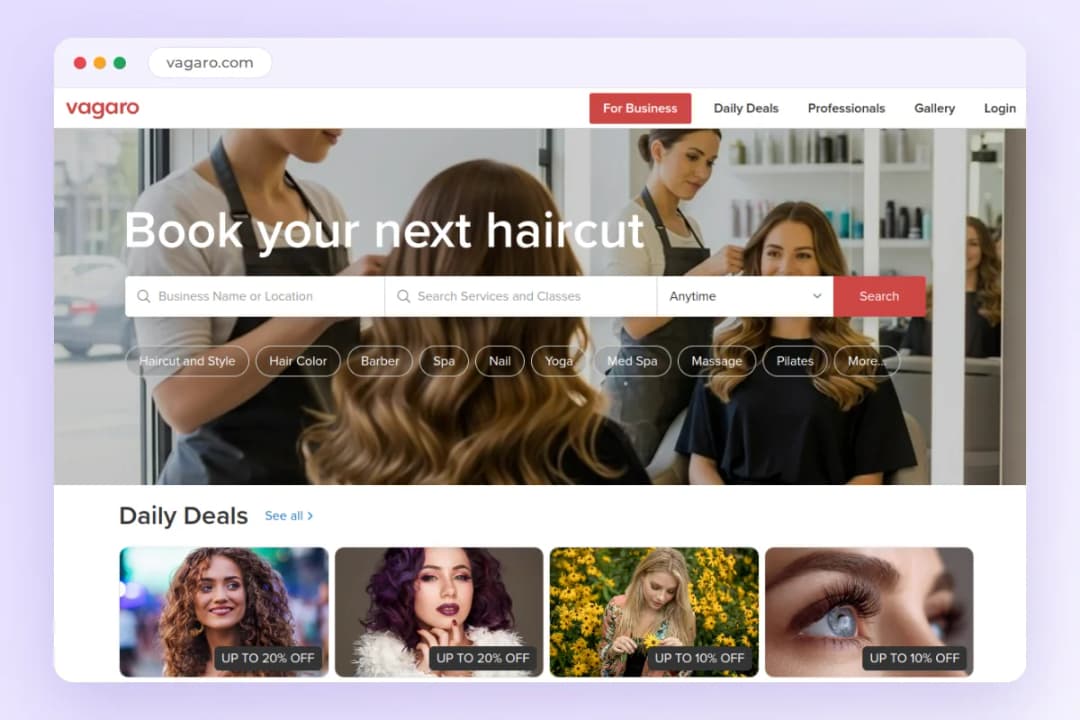
Vagaro’s published pricing lists $30 a month for one bookable calendar, with an introductory rate of $23.99 a month for the first 6 months. Each extra bookable calendar costs $10 a month, and a 30-day trial covers most features.
Card processing runs 2.6% plus 10 cents for swipe, dip, and tap at small merchants, and 2.29% plus 19 cents at merchants over $4,000 a month. Keyed-in cards cost 3.5% plus 19 cents on both tiers.
Tips work at checkout with preset or custom amounts, and they can split between providers. Add-ons stack up fast: Forms, Check-In, and the shopping cart each cost $10 a month, and the website builder costs $20.
The honest limit is the intro rate. Budget for $30 a month after the first 6 months, plus $10 for each extra calendar.
For a wider comparison of this platform, see our Vagaro alternatives guide.
Ready to take faster payments at your front desk?
Start free today. No credit card required.
5. Fresha: the tight budget pick, with a marketplace fee attached
Fresha gives a salon the biggest built-in audience of any tool here. Clients already search its marketplace for hair, nails, barbering, and spa services, so a new listing can bring bookings without ads.
The POS comes with both plans. It covers checkout for appointments, products, add-ons, memberships, and tips, with cash, card terminals, Tap to Pay, gift cards, and saved cards in one smart cart.
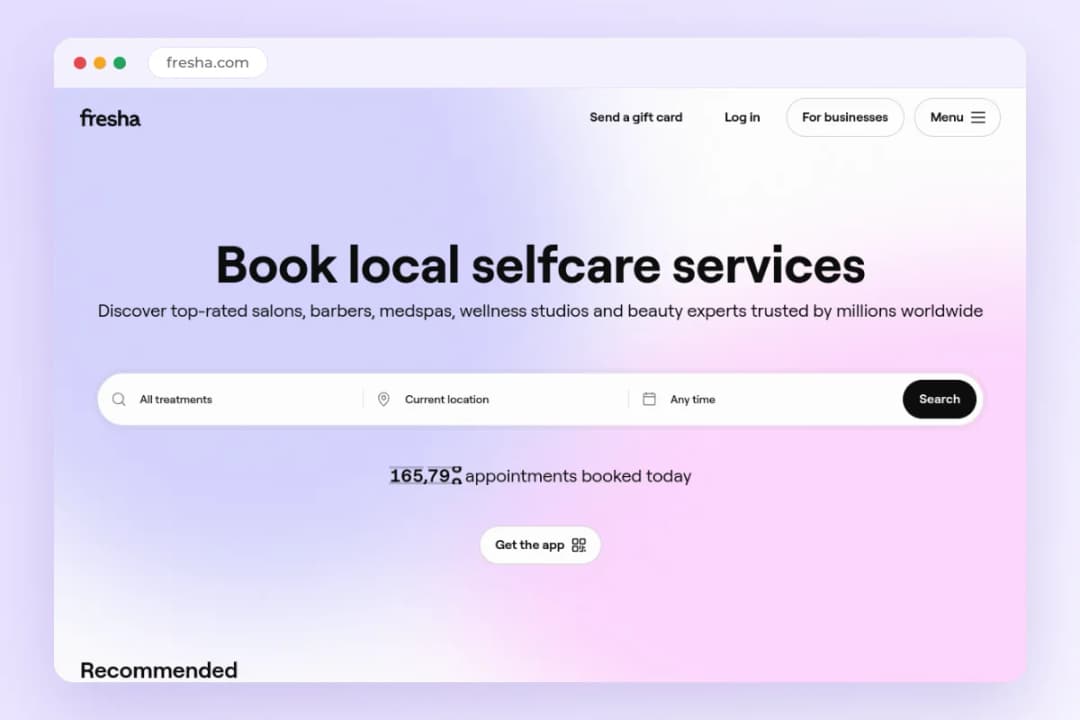
Fresha’s published US pricing lists an Independent plan at $19.95 a month for one bookable team member and a Team plan at $14.95 a month per bookable member. Teams get a 7-day trial with no card required.
Card processing runs 2.79% plus 20 cents online and 2.29% plus 20 cents in person on published US rates. Inventory tracking and restock alerts come with the platform, and card terminals carry lifetime free 4G.
The marketplace fee is the real cost to watch. Fresha charges a one-time fee of 20% of the first appointment, with a $6 minimum in the US, for each brand-new client who finds you through the marketplace.
Returning clients cost nothing extra, and bookings from your own website or social pages carry no marketplace fee.
The honest limit is the fee math. If most of your new clients come from the marketplace, budget that fee as a customer acquisition cost, not as a surprise at month end.
For a wider comparison of this platform, see our Fresha alternatives guide.
6. GlossGenius: the low card rate, with fast payouts
GlossGenius is built for independent beauty professionals first. The app is mobile-first, which suits a stylist who checks a phone between clients rather than sitting at a front desk.
The checkout covers Tap to Pay on iPhone and Android, card readers, deposits, card on file, tips, and split payments. Gift cards, memberships, and packages run through the same till, with 100% chargeback protection on payments.
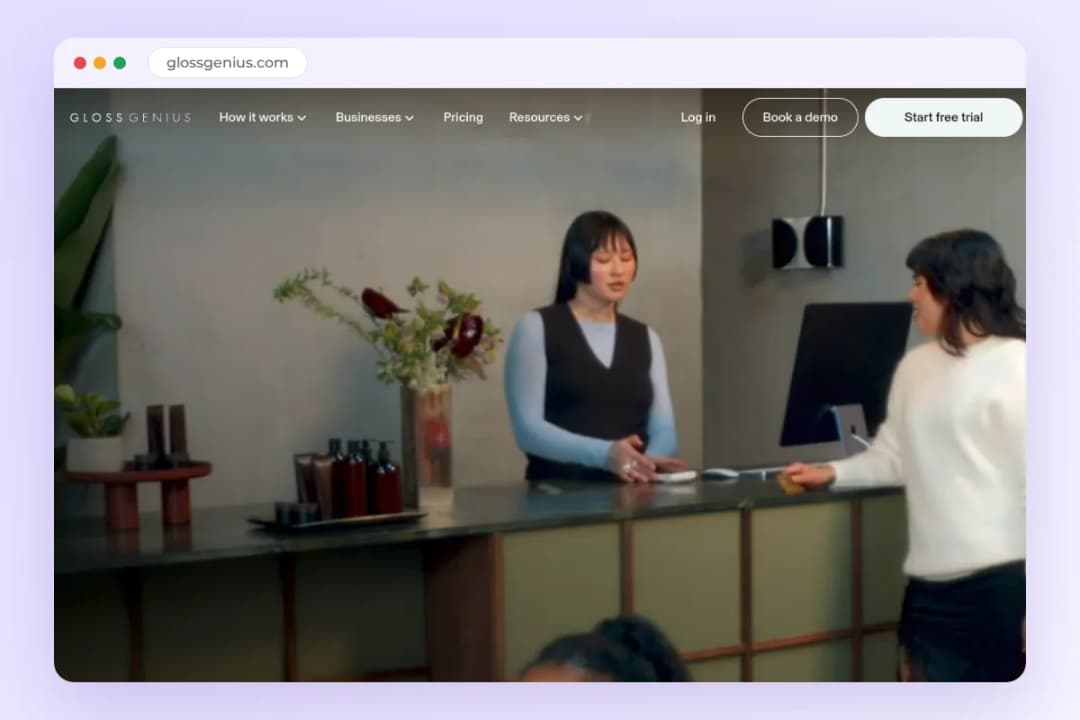
GlossGenius publishes three plans. Standard costs $24 a month on annual billing or $28 month to month, Gold costs $48 a month annual or $56 monthly, and Platinum costs $148 a month annual or $168 monthly.
Card processing runs 2.4% plus 15 cents for tap, dip, and swipe, 2.9% plus 30 cents for online invoicing, and 3.4% plus 15 cents for keyed-in cards. The same rates apply on all three plans, and a 14-day trial needs no credit card.
Payouts run same-day from Monday to Thursday at no extra cost, with instant payouts available for 1.8%. Gold covers up to 9 staff and Platinum covers teams of 10 or more, with separate bank accounts for renters on both plans.
The honest limit is the plan ladder. A solo pro on Standard gets the low card rate and fast payouts, but the separate bank accounts and team tools sit on Gold and Platinum, and there is no free plan.
7. Booksy: the large marketplace, with a price that grows per chair
Booksy pairs a full booking toolkit with one of the largest beauty marketplaces around. Clients search the Booksy app for stylists and salons nearby, which makes it a discovery tool first and a calendar second.
The POS covers card readers, Tap to Pay, no-show protection, gift cards, memberships, and packages. Each subscription includes 2,000 marketing texts a month, and appointment confirmations and reminders stay free.
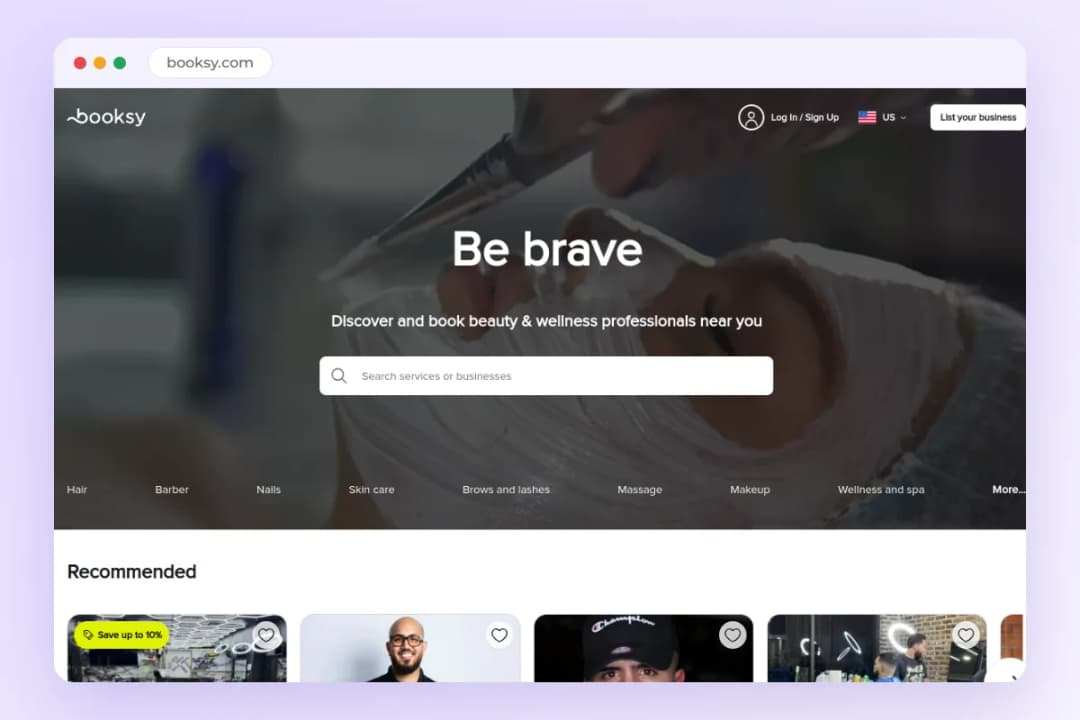
Booksy has no free plan. The subscription starts at $29.99 a month for the first user, plus $20 a month for each extra team member, with a 14-day trial and no card required.
Card processing runs 2.49% plus 10 cents on the card reader, 2.49% plus 20 cents on Tap to Pay, and 2.69% plus 30 cents for keyed-in cards. The Stripe S710 reader costs $299 and the smaller M2 reader costs $53.10, plus shipping.
The optional Boost program adds 30% of a brand-new client’s first visit, with a $10 minimum and a $100 cap, when you switch it on. Turn Boost off and marketplace acquisition costs nothing, but you also give up the extra placement.
The honest limit is the per-chair bill. A salon that works alone pays $29.99 a month before processing or extras, and every extra chair adds $20.
For a wider comparison of this platform, see our Booksy alternatives guide.
All 7 systems side by side
Read the pricing hint column as a starting point, not a quote. Confirm the plan page for your country before you commit.
| System | Best for | Key strength | Pricing hint |
|---|---|---|---|
| 1. PandaCue | Salons that want booking, checkout, and marketing in one place | One checkout for services, retail, memberships, and gift cards | Free $0; Studio $197 a month; Empire $397 a month |
| 2. Square | Salons that want a free POS with cheap hardware | Free POS software with Tap to Pay on any phone | $0 Free; Plus $49 a month; Premium $149 a month |
| 3. Lightspeed | Salons that sell a lot of retail | Deep inventory and wholesale tools | From $89 a month; multi-location on a custom plan |
| 4. Vagaro | Salons that want a low entry price and marketplace reach | POS with every plan plus inventory tracking | From $30 a month; $23.99 for the first 6 months |
| 5. Fresha | Salons on a tight budget that accept a marketplace fee | Largest beauty marketplace in this list | From $19.95 a month; 20% one-time fee on new marketplace clients |
| 6. GlossGenius | Independent pros who want fast payouts and low card rates | 2.4% in-person card rate with same-day payouts | From $24 a month annual; Gold from $48 a month |
| 7. Booksy | Salons that want discovery and can pay from day one | Large client marketplace with optional Boost | From $29.99 a month; no free plan |
Frequently asked questions
What does a salon POS system cost per month?
Subscriptions in this list run from $0 on Square’s free plan and PandaCue’s free plan to $397 a month for PandaCue Empire. Card processing sits on top, so run the full monthly math before you pick.
Do I need separate booking software with a POS?
It depends on the system. PandaCue, Square, Vagaro, Fresha, GlossGenius, and Booksy bundle booking with checkout, while Lightspeed covers retail only and needs separate booking software.
What card processing rate should I expect?
Most in-person rates in this list sit between 2.29% plus 20 cents on Fresha and 2.6% plus 15 cents on Square Free. Keyed-in cards cost more everywhere, so take cards in person whenever you can.
Can I take tips through the POS?
Yes, every system in this list takes tips at checkout. Vagaro and Square split tips between the staff on the booking, and GlossGenius, Fresha, and PandaCue take custom tip amounts at the till.
Ready to take faster payments at your front desk?
Start free today. No credit card required.